
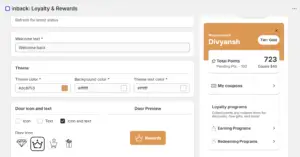
Design is a section of branding where a merchant can customize the widget’s elements, such as a welcome text, theme, etc. It is required so that merchants can keep their brand consistent.
Features of Branding
- Welcome TextThis option allows merchants to write a welcome text, the first interaction with the customer after signup, which allows the brand to set the tone. For example: “Welcome! Start earning rewards today.”
Need of Welcome Text: Welcome text helps customers navigate their way through the widget. Without a proper introduction to the loyalty tool, customers may end up not using it and remain disengaged without a complete purchase experience.
- Theme
Theme is meant for customization of the widget’s color. The merchant can change the widget color to blend it with the branding of the website.Theme Color
The theme color may be any color of the brand’s palette; usually brands like to have their signature color. This is the banner color, and hence it is important for merchants to reflect their brand identity.Background Color
Merchants can change the background color according to their preference. In the picture below, the merchant went for a white background.Theme Text Color
The banner on the widget contains welcome text. Through this option, merchants can set the theme text color written over the banner. Usually a clear, contrasting text color is chosen to gain the attention of the customers.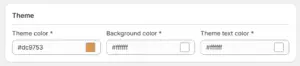
- Door Icon and Text
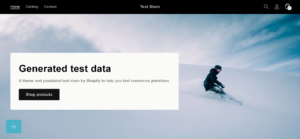
The door icon is visible on the website of the merchant. When an end customer clicks on this door icon, the widget appears. The door icon signifies the loyalty program icon.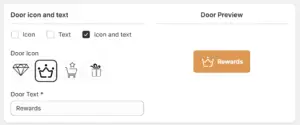
There are three options to showcase the floating button also called door icon on the website.
- Door icon: The merchant can choose only to show the door icon on the website.
- Door Text: The merchant can choose only to show the door text as the icon.
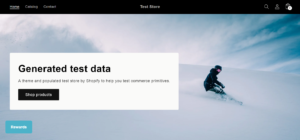
- Door Icon + Text: The merchant can choose to include both the door icon and a door text on the website.
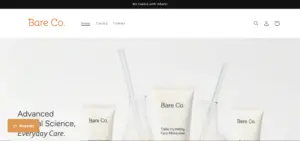
This customization can be seen in real time in the Door Preview section.


